
Hey this is the full proof method to connect asp.net core to Database.
create a project and install these:
First one we need to install is entityframeworkcore
next we need is microsoft.entityframeworkcore.tool
and the next thing we need to install is microsoft.entityframeworkCore.sqlserver
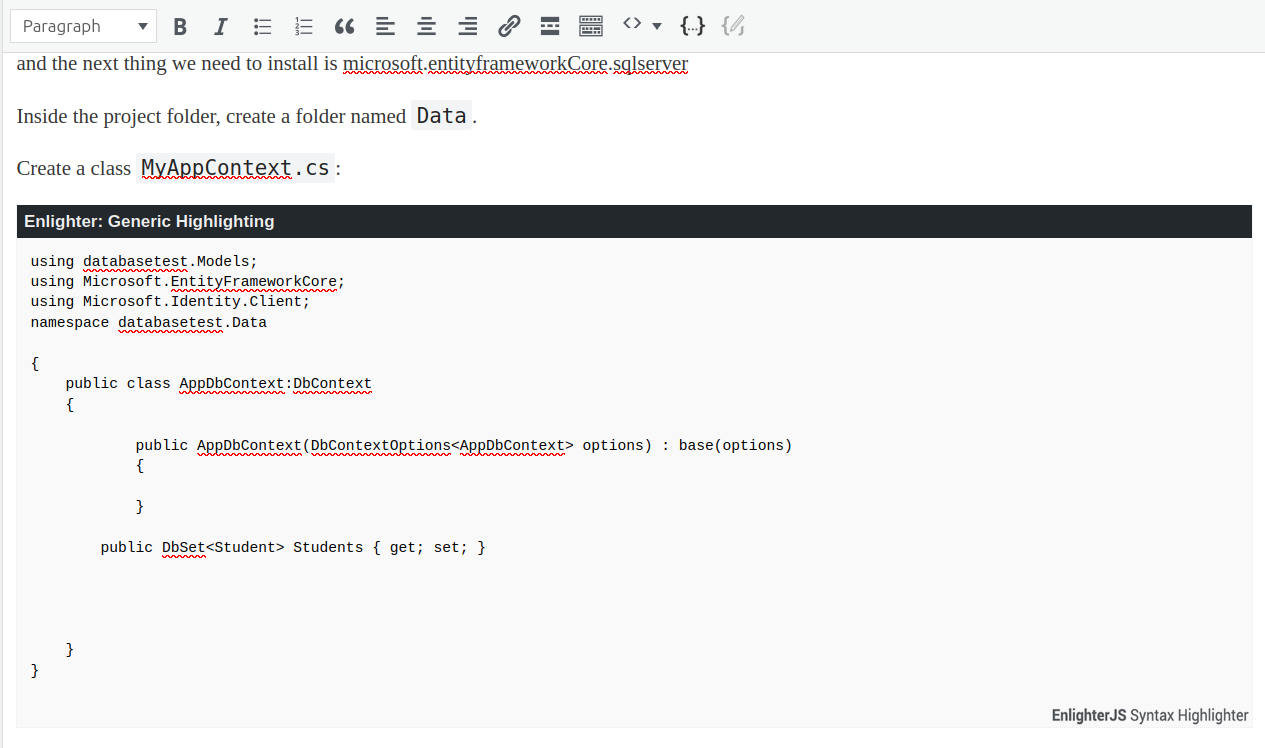
Inside the project folder, create a folder named Data.
Create a class MyAppContext.cs: You can name it MyDbContext since it is popular and you need to create a model as well the model created here is Student. You can create whatever you want but u need to connect it here at MyDbContext everytime.
using databasetest.Models;
using Microsoft.EntityFrameworkCore;
using Microsoft.Identity.Client;
namespace databasetest.Data

{
    public class AppDbContext:DbContext
    {

            public AppDbContext(DbContextOptions<AppDbContext> options) : base(options)
            {

            }

        public DbSet<Student> Students { get; set; }


    }
}
. Configure connection string in appsettings.json
Open appsettings.json and add your connection string:
at the top of the file
{

  "ConnectionStrings": {

    "DefaultConnection": "Server=localhost;Database=databasetest;User Id=sa;Password=YourStrong!Pass123;TrustServerCertificate=True;"

  },


  "Logging": {
    "LogLevel": {
      "Default": "Information",
      "Microsoft.AspNetCore": "Warning"
    }
  },
  "AllowedHosts": "*"
}
Register DbContext in Program.cs or Startup.cs
using databasetest.Data;
using Microsoft.EntityFrameworkCore;

var builder = WebApplication.CreateBuilder(args);


// Register DbContext with SQL  when connecting to db 1st step
builder.Services.AddDbContext<AppDbContext>(options =>
    options.UseSqlServer(builder.Configuration.GetConnectionString("DefaultConnection")));


// Use this in autherisarion as well when connecting to db 2nd step...
builder.Services.AddAuthorization();

// use this as well when connecting to db 3rd step...
builder.Services.AddControllersWithViews();


var app = builder.Build();

// Configure the HTTP request pipeline.
if (!app.Environment.IsDevelopment())
{
    app.UseExceptionHandler("/Home/Error");
    // The default HSTS value is 30 days. You may want to change this for production scenarios, see https://aka.ms/aspnetcore-hsts.
    app.UseHsts();
}

app.UseHttpsRedirection();
app.UseRouting();

app.UseAuthorization();

app.MapStaticAssets();

app.MapControllerRoute(
    name: "default",
    pattern: "{controller=Home}/{action=Index}/{id?}")
    .WithStaticAssets();


app.Run();
Now to migrate this : Add-Migration "Initialmigration"